Clicking the Find My
Location button will use your devices location to zoom and center the map to that location.
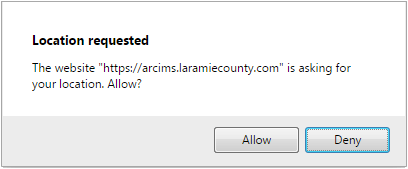
You may be presented with a message similar to the one shown here which is the website asking for permission
to access your devices location. Click on the Allow button.
If you do not allow device location access by clicking the Deny
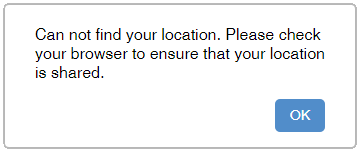
button or your device or internet browser does not support location, you will receive a "Can not find your
location." message similar to the own shown here. If this occurs you will not be able to use the
Find My Location feature of the application.